

Enable the add-on
- Log in to the Meilisearch Cloud dashboard and open your project
- Click the Project Settings tab, then select Security in the side menu
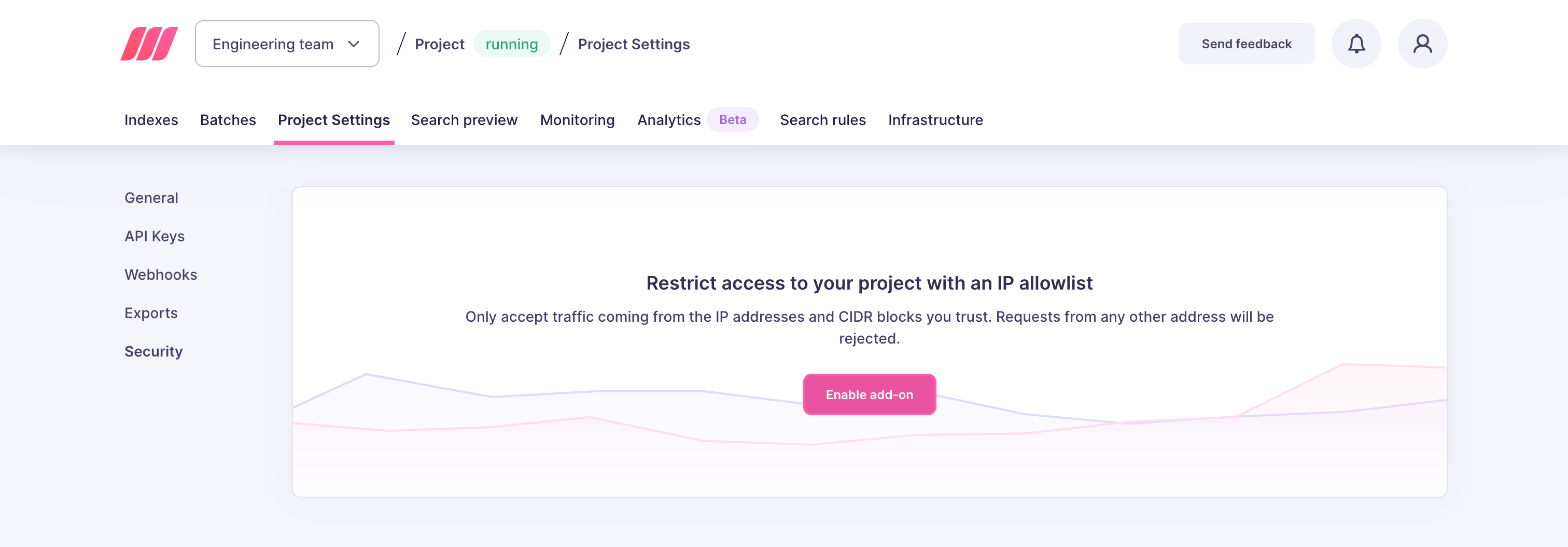
- In the Restrict access to your project with an IP allowlist block, click Enable add-on and confirm
Add IP addresses and CIDR blocks
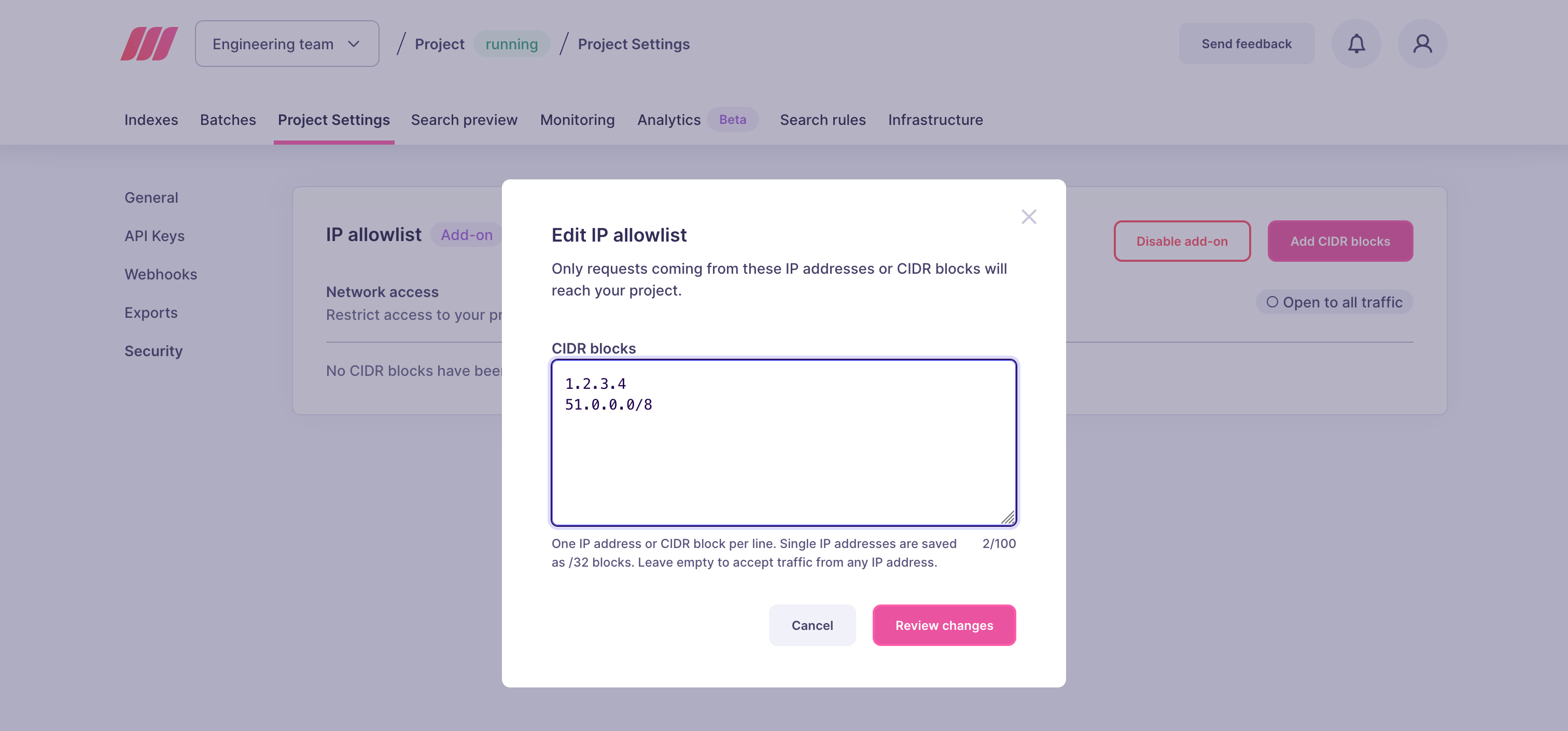
- In the IP allowlist block, click Add CIDR blocks
- Enter one entry per line. Each entry can be:
- A single IPv4 address, for example
203.0.113.42. Single addresses are saved as/32CIDR blocks (203.0.113.42/32). - An IPv4 CIDR block, for example
198.51.100.0/24to allow all addresses from198.51.100.0to198.51.100.255
- A single IPv4 address, for example
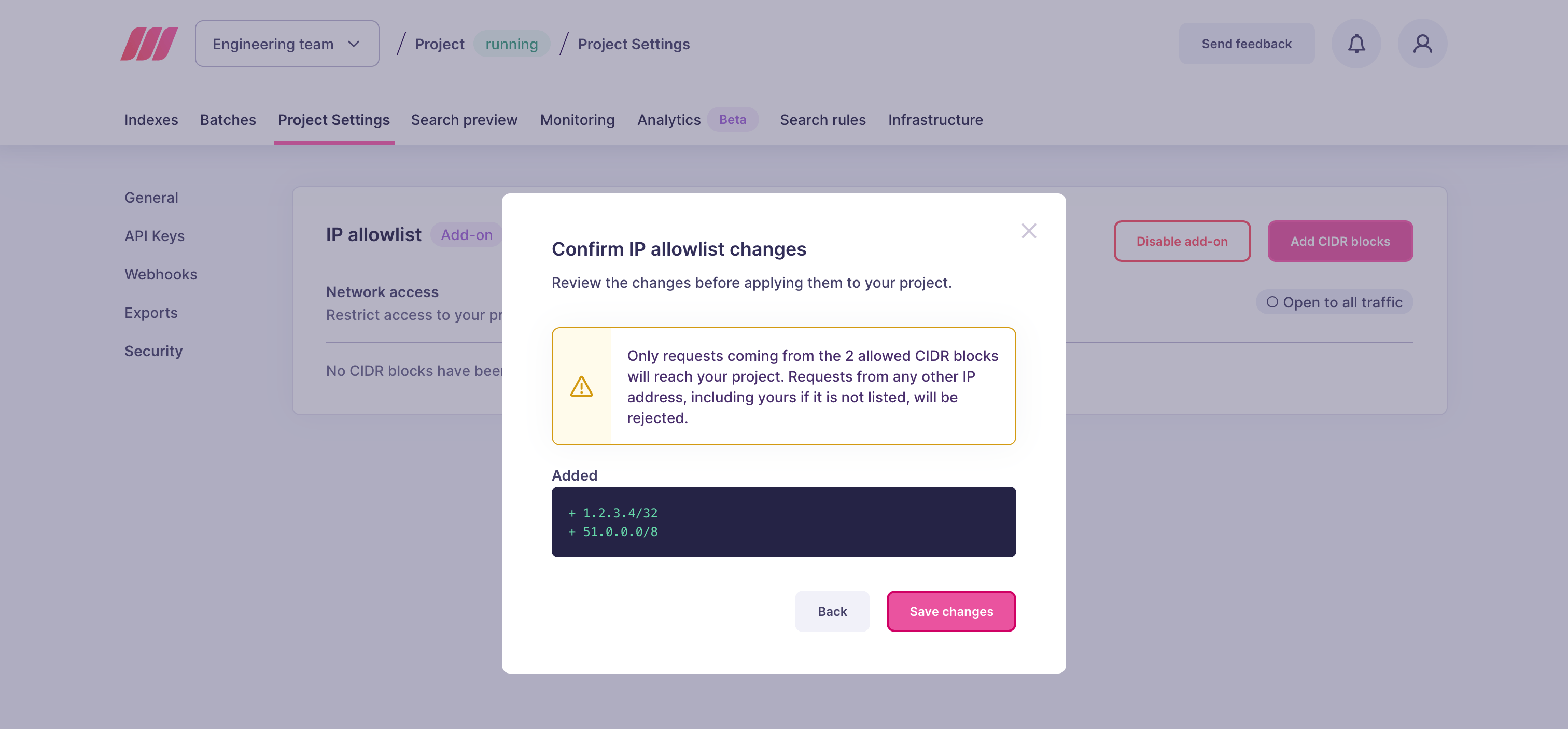
- Click Review changes
Test the restriction
Send a request to your project from one of the allowed IP addresses. It should succeed as usual. Requests still need a valid API key. Send the same request from an IP address outside the allowlist. Meilisearch Cloud responds with a403 Forbidden status code and the following message:
Edit the allowlist
You can update the list of allowed CIDR blocks at any time. Changes apply to your project as soon as you confirm them.- Open your project in the Meilisearch Cloud dashboard
- Click the Project Settings tab, then select Security in the side menu
- In the IP allowlist block, click Edit allowlist (or Add CIDR blocks if the list is empty)
- Add, edit, or delete entries, one per line
- Click Review changes and check the list of entries that will be added and removed
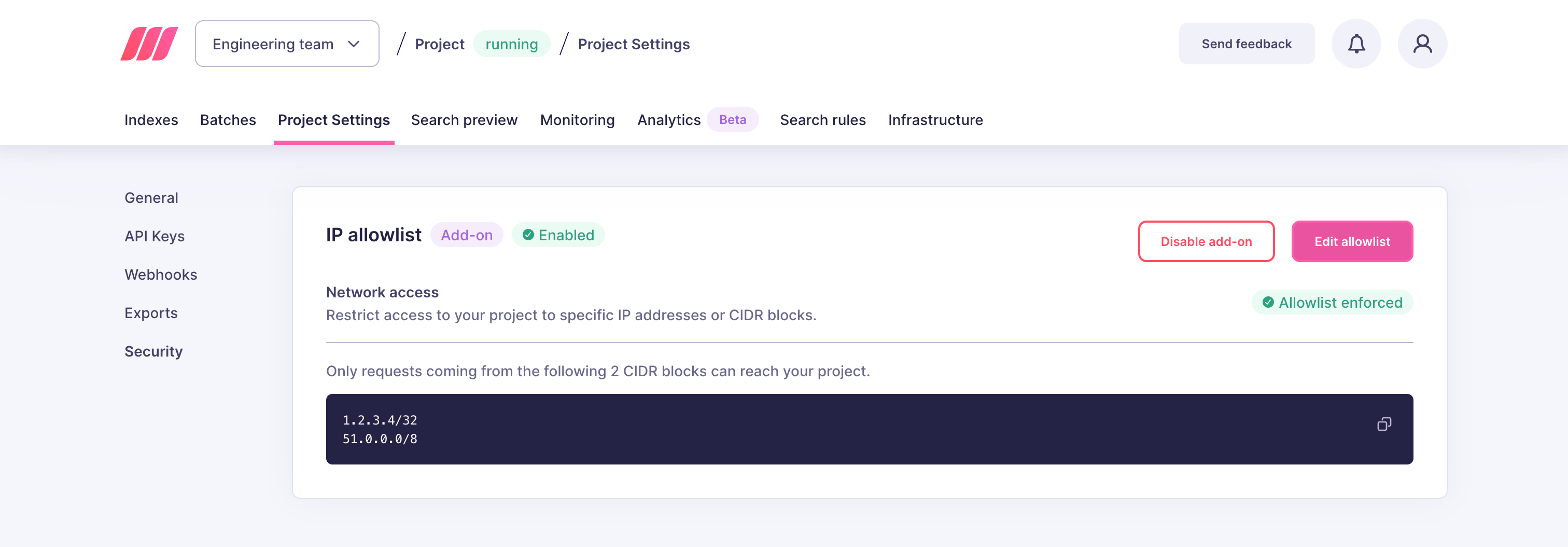
- Click Save changes
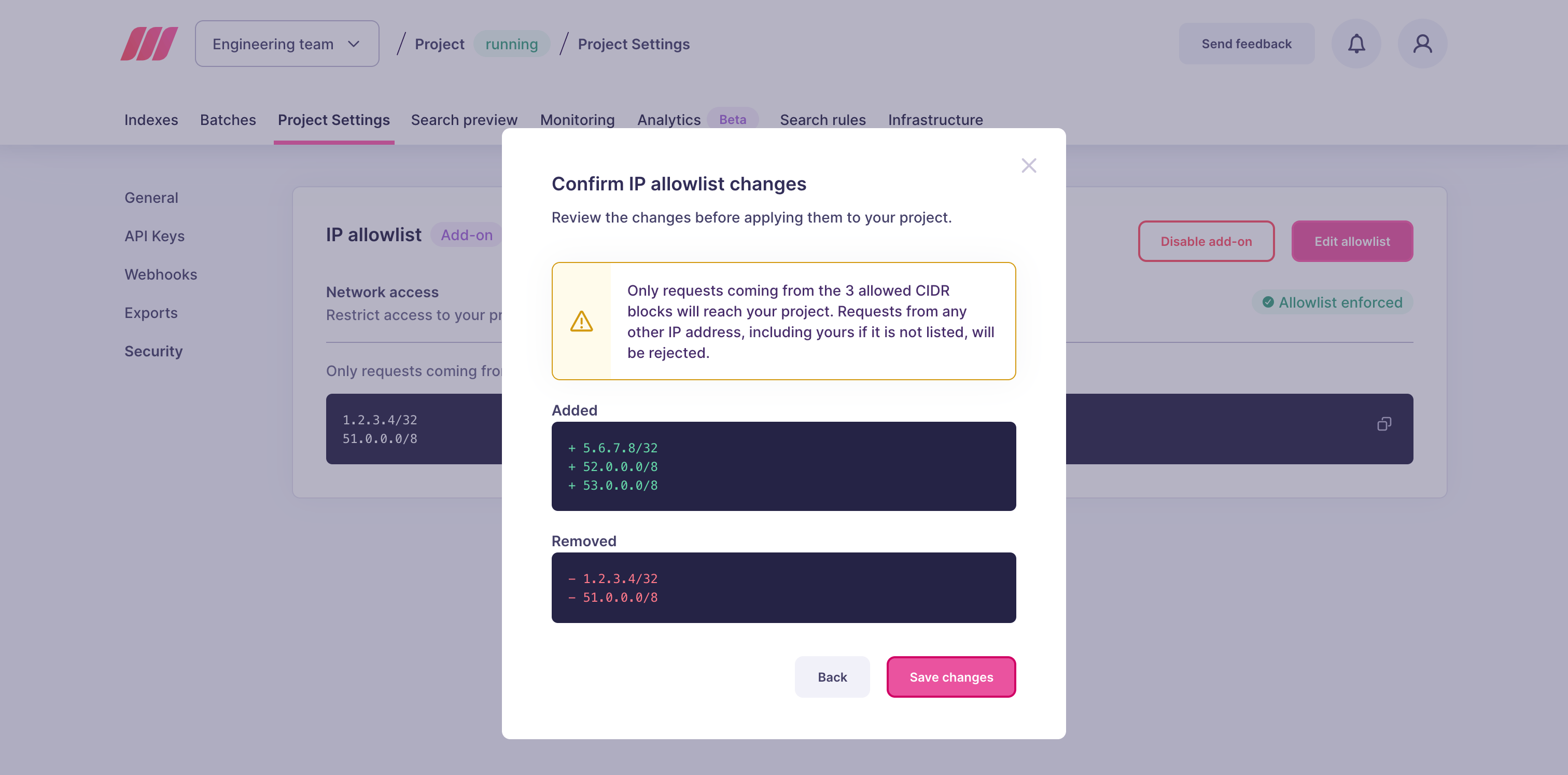
Remove all restrictions
An empty allowlist means no restriction. To allow requests from any IP address again, delete every entry from the list, then review and save the changes. The Network access status switches back to Open to all traffic. The add-on stays active, so you can add new entries later. If you no longer need IP filtering at all, you can also disable the add-on.Troubleshooting
If a client receives a403 Forbidden response with the message Access denied for this route or IP address, its IP address is not in the allowlist. To fix this:
- Find the public IP address the client uses to reach Meilisearch Cloud. If the client sits behind a proxy, NAT gateway, or VPN, this is the outgoing IP address of that proxy, gateway, or VPN, not the private address of the machine.
- Add a CIDR block covering this address to the allowlist
A request with an invalid or missing API key also returns an error. Check the error message to tell an IP restriction apart from an API key issue.