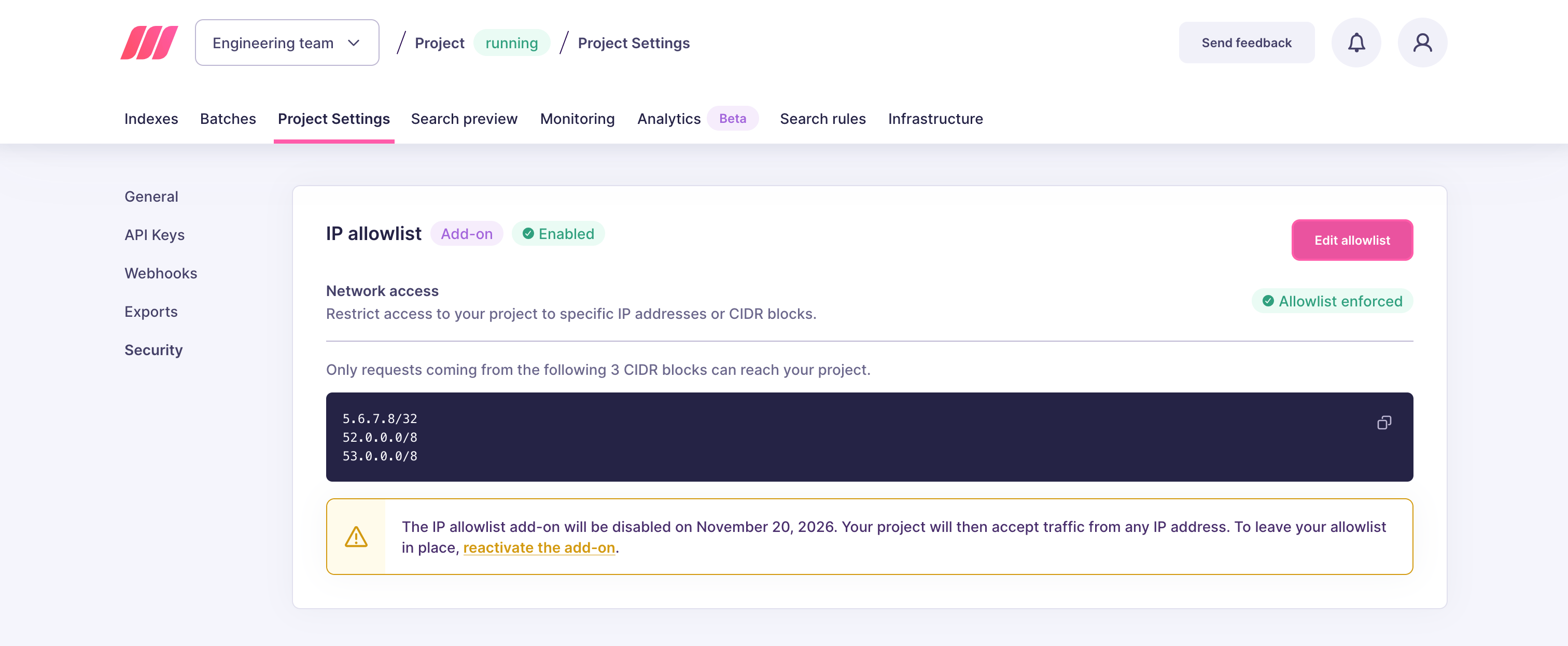
What happens when you disable the add-on
Disabling the add-on does not remove your restrictions immediately:- Until the end of the current billing cycle, the add-on stays active. The IP allowlist block shows the date on which it will be disabled. All your existing entries remain in place and keep restricting access. You can still edit or delete them during this period.
- At the end of the billing cycle, the add-on is disabled and all entries are removed. Your instance accepts requests from any IP address again.
Reactivate the add-on
If you change your mind before the end of the billing cycle, you can keep the add-on and your existing entries. In the IP allowlist block, click reactivate the add-on in the warning that shows the disable date.