Meilisearch Cloud manages the Meilisearch engine version for each project. You can view the current version and initiate upgrades from the project settings without any manual server operations.

Viewing the current version

Open your project and go to Project Settings. The current Meilisearch version is shown in the General settings section. When an upgrade is available, an Update available badge appears next to the version number.
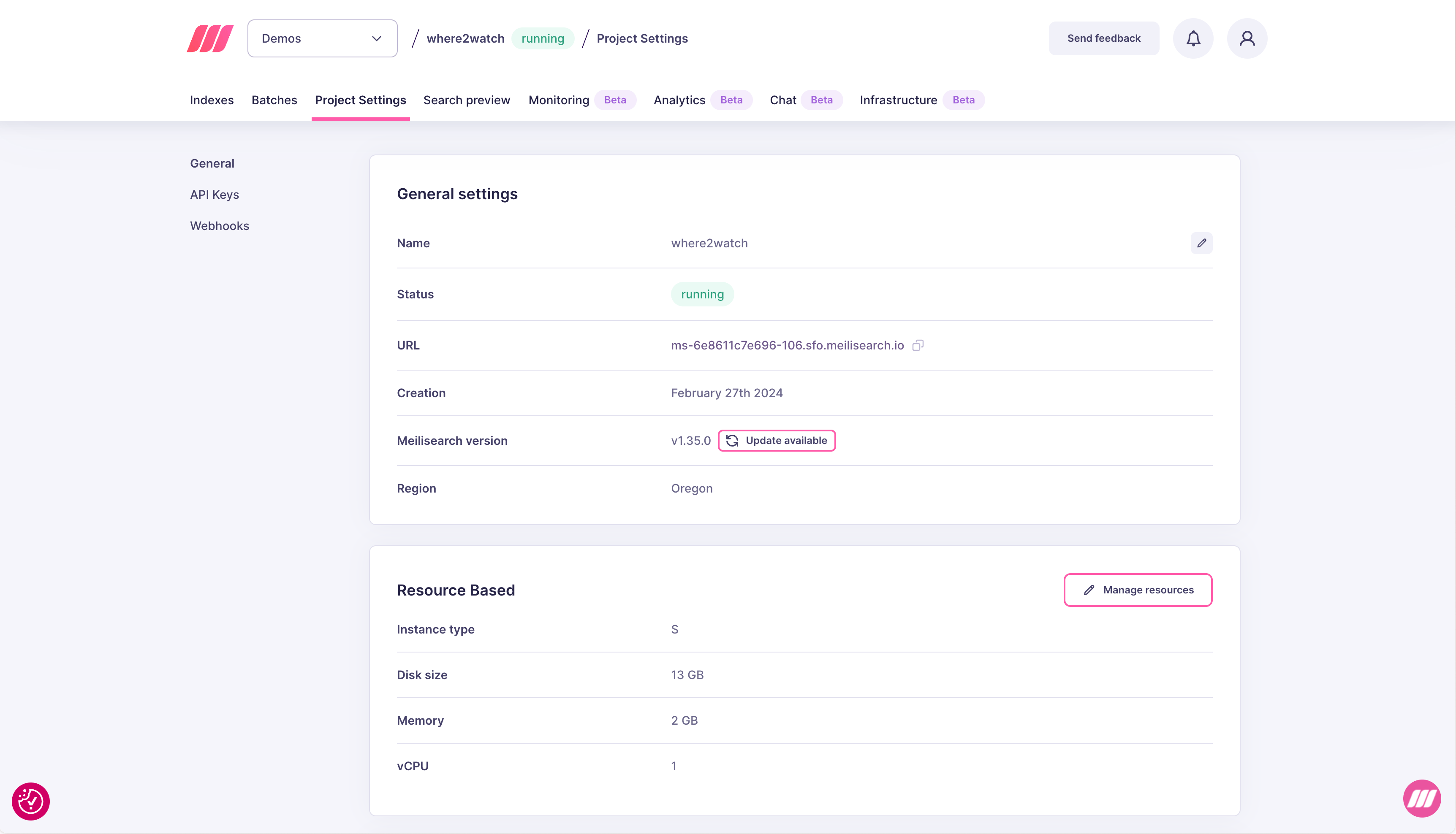
Project settings showing current Meilisearch version with an Update available badge

Upgrading to a newer version

  1. Click Update available in the General settings section.
  2. Select the target version from the dropdown. The modal also links to the changelog for that version.
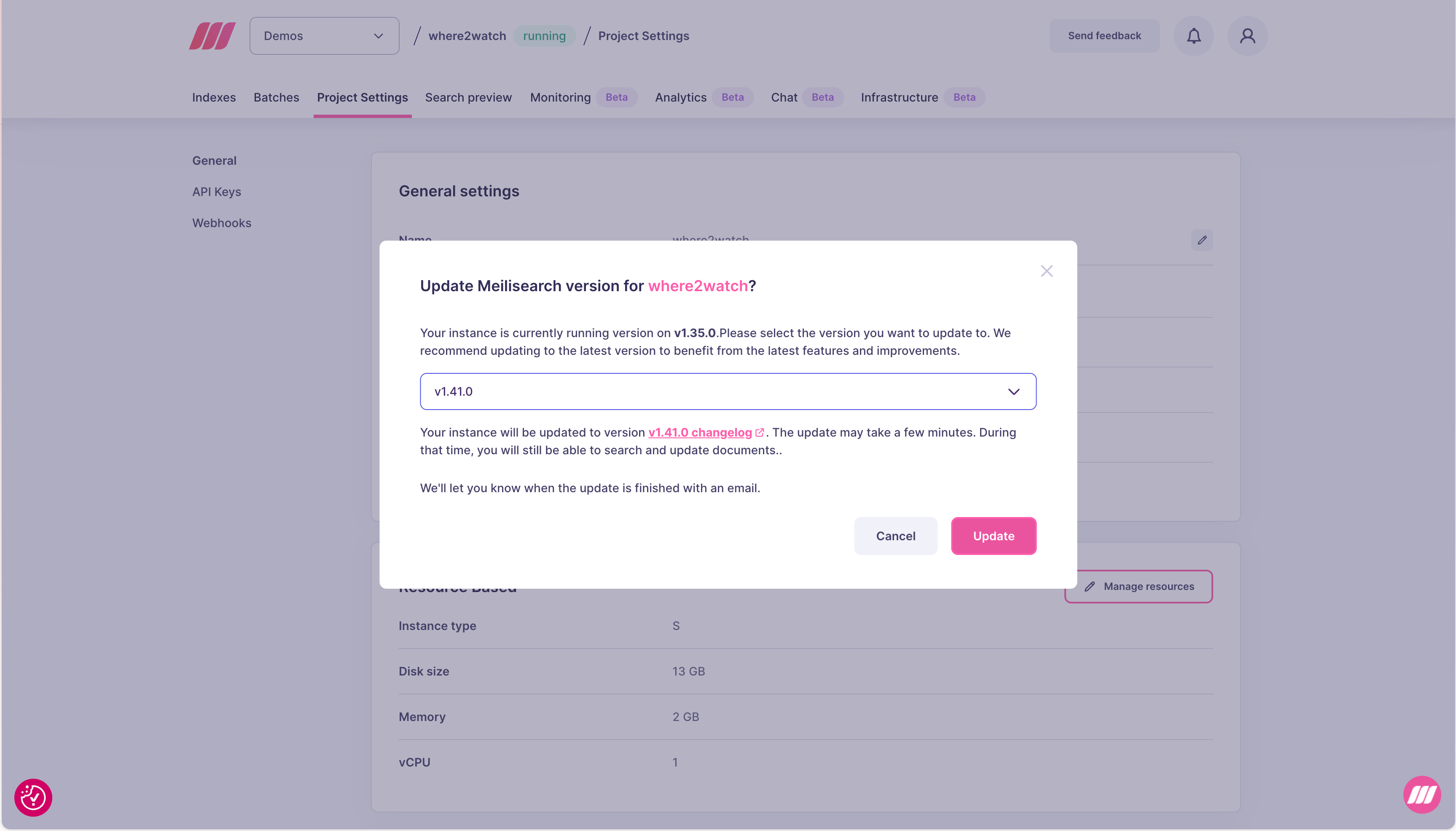
Update Meilisearch version modal showing version selector, changelog link, and Update button
  1. Click Update. The project status changes to updating and the version field shows the in-progress target version. You will receive an email when the update is complete.
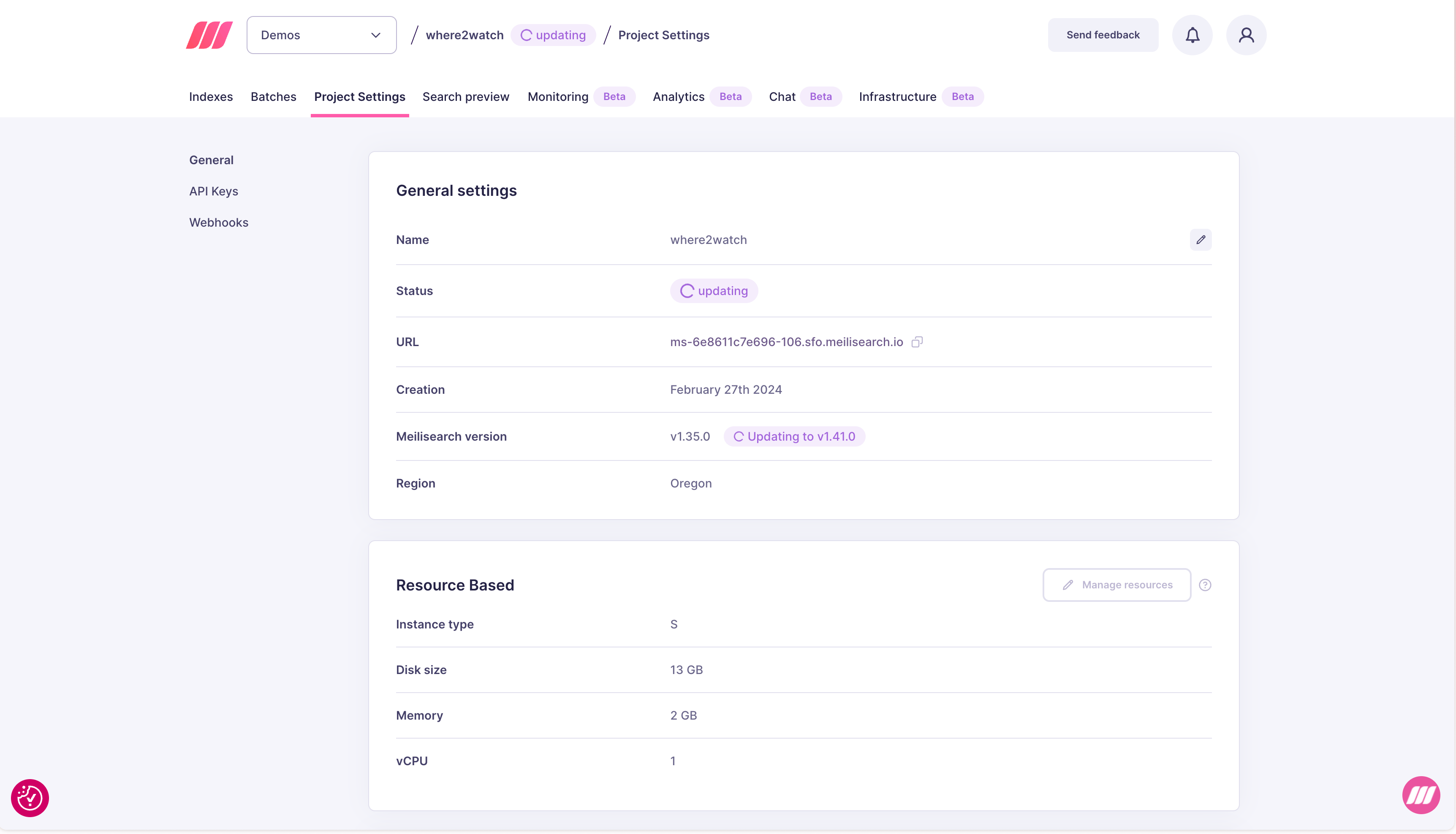
Project settings showing updating status with Updating to v1.41.0 indicator

What happens during an upgrade

Search remains available throughout the upgrade. Document indexing is paused until the upgrade completes. The project status shows updating in the dashboard until the process completes. You will receive an email notification when the upgrade is finished, regardless of how long it takes. For zero-downtime upgrades including indexing, use replication and upgrade node by node. Contact sales@meilisearch.com to set this up as part of an Enterprise plan. From v1.14 onwards, upgrades no longer use snapshots for migration. The process takes only a few seconds with minimal downtime. For projects on older versions, upgrade duration may be longer depending on index size.

Available versions

Meilisearch releases a new version every week. The Cloud UI always offers the two most recent versions for selection, both when creating a project and when upgrading an existing one. If you prefer stability over being on the cutting edge, consider using the second-to-last available version. It has had more time in production before being offered for selection.

Staying up to date

Check the changelog for release notes on each Meilisearch version. New versions typically bring performance improvements, new features, and bug fixes.

Enterprise upgrade management

Enterprise customers have additional control over their upgrade schedule. The default upgrade window can be customized to fit your release process, and upgrades can be triggered at any time rather than waiting for the standard rollout. Meilisearch can also conduct upgrade reviews with your team beforehand to walk through breaking changes, migration steps, and expected downtime. Contact sales@meilisearch.com to configure a custom upgrade window or schedule an upgrade review.