> ## Documentation Index
> Fetch the complete documentation index at: https://www.meilisearch.com/docs/llms.txt
> Use this file to discover all available pages before exploring further.
# Invoices
> View and download your Meilisearch Cloud invoice history through the Stripe customer portal.
Invoices are managed through Stripe. To access your invoice history, open the **Billing** tab in the Cloud dashboard and click **Manage billing settings and invoices**. This opens the Stripe customer portal.
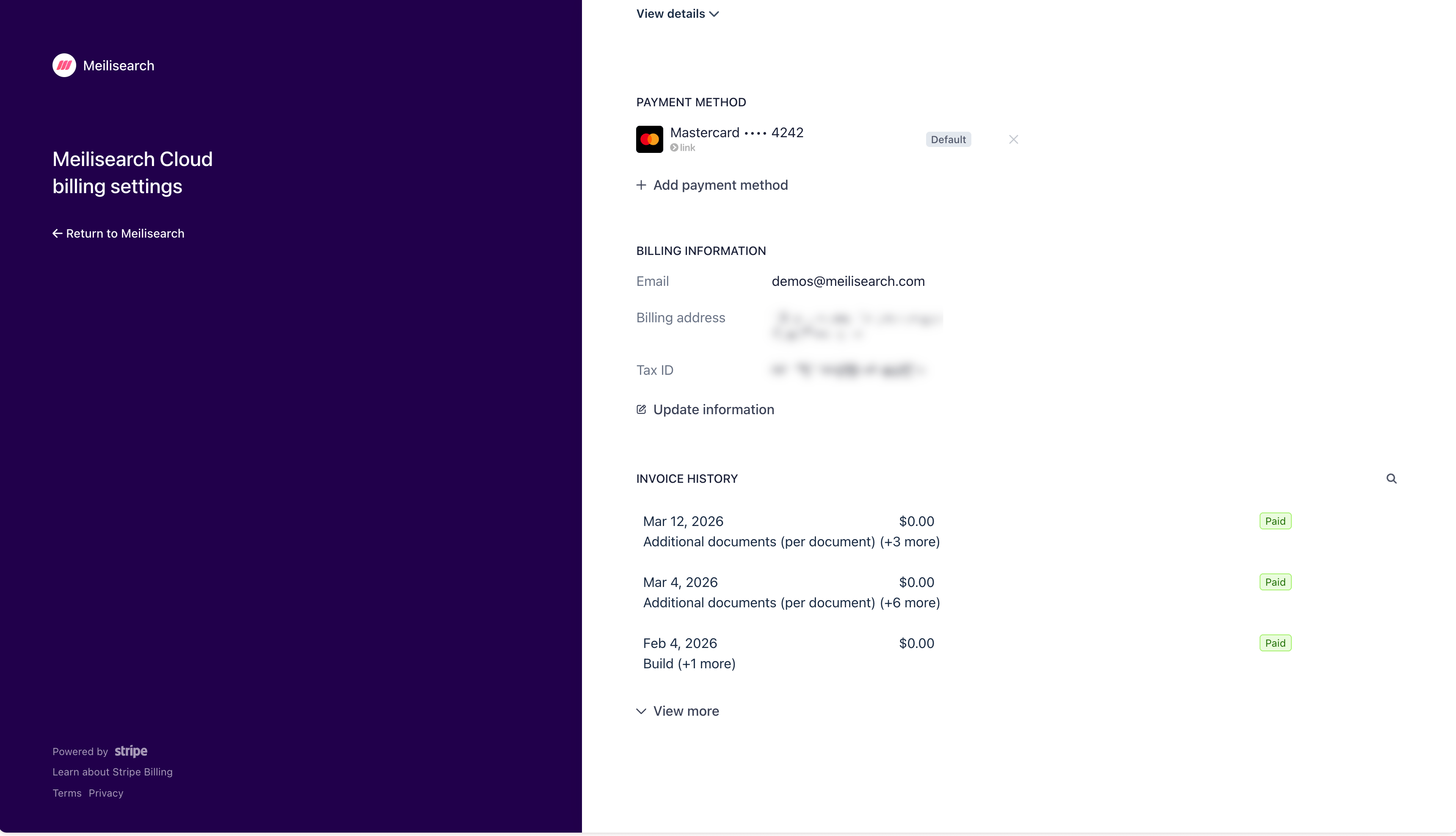 The **Invoice history** section in the Stripe portal lists all past invoices with their date, amount, and payment status. Click any invoice to view its details or download a PDF.
If you need to update the billing name, address, or Tax ID shown on invoices, click **Update information** in the portal.
The **Invoice history** section in the Stripe portal lists all past invoices with their date, amount, and payment status. Click any invoice to view its details or download a PDF.
If you need to update the billing name, address, or Tax ID shown on invoices, click **Update information** in the portal.